 Stationhand
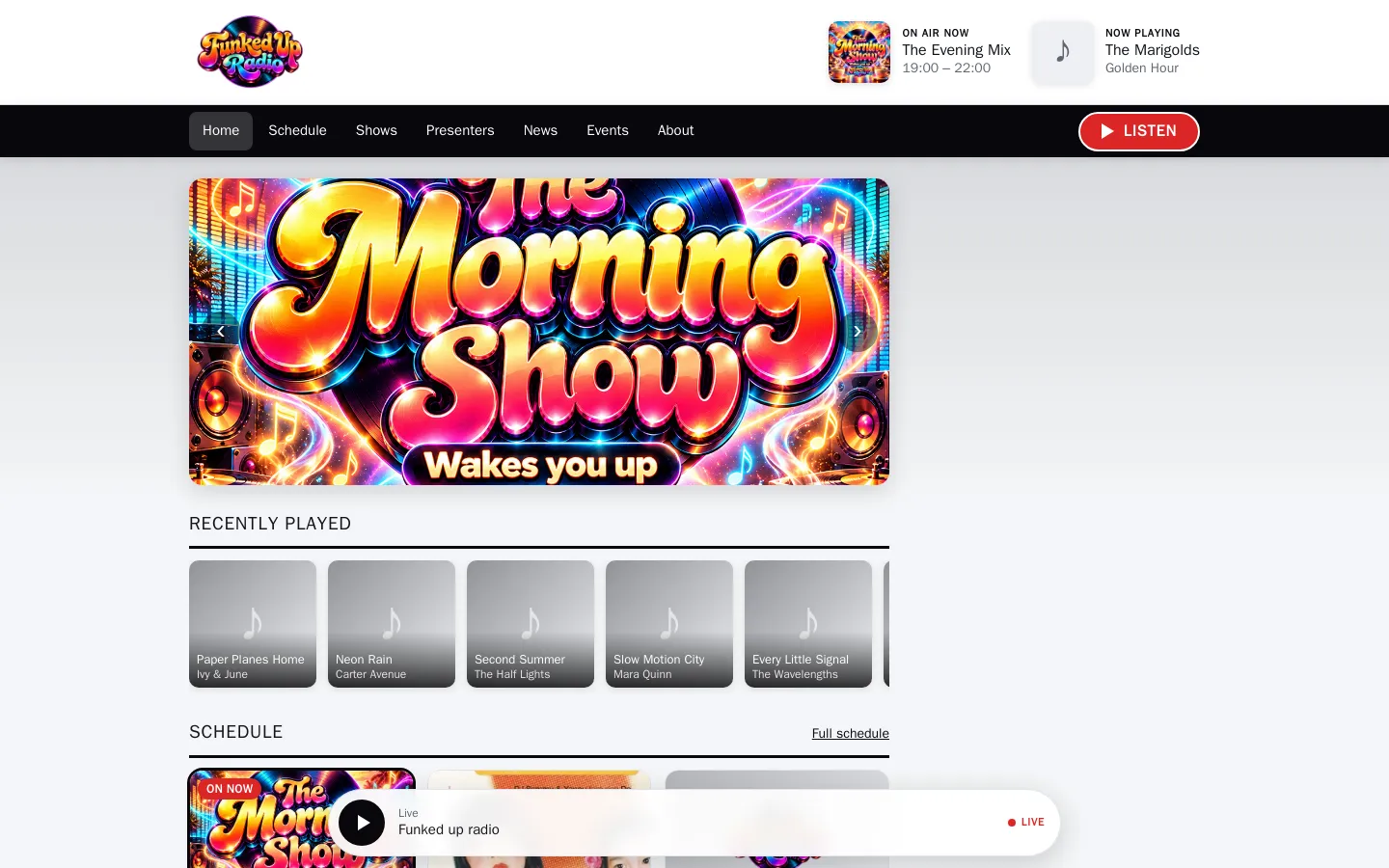
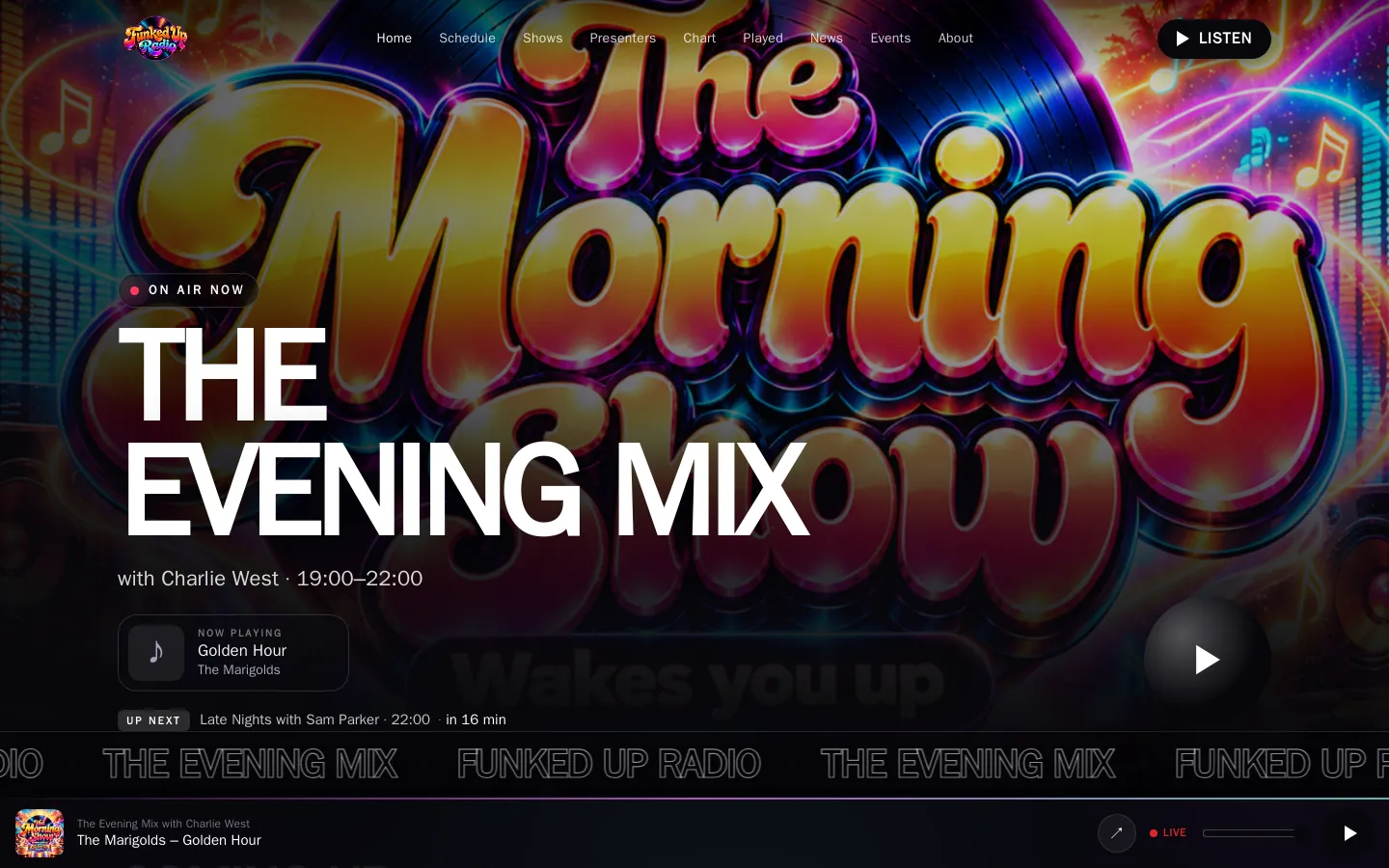
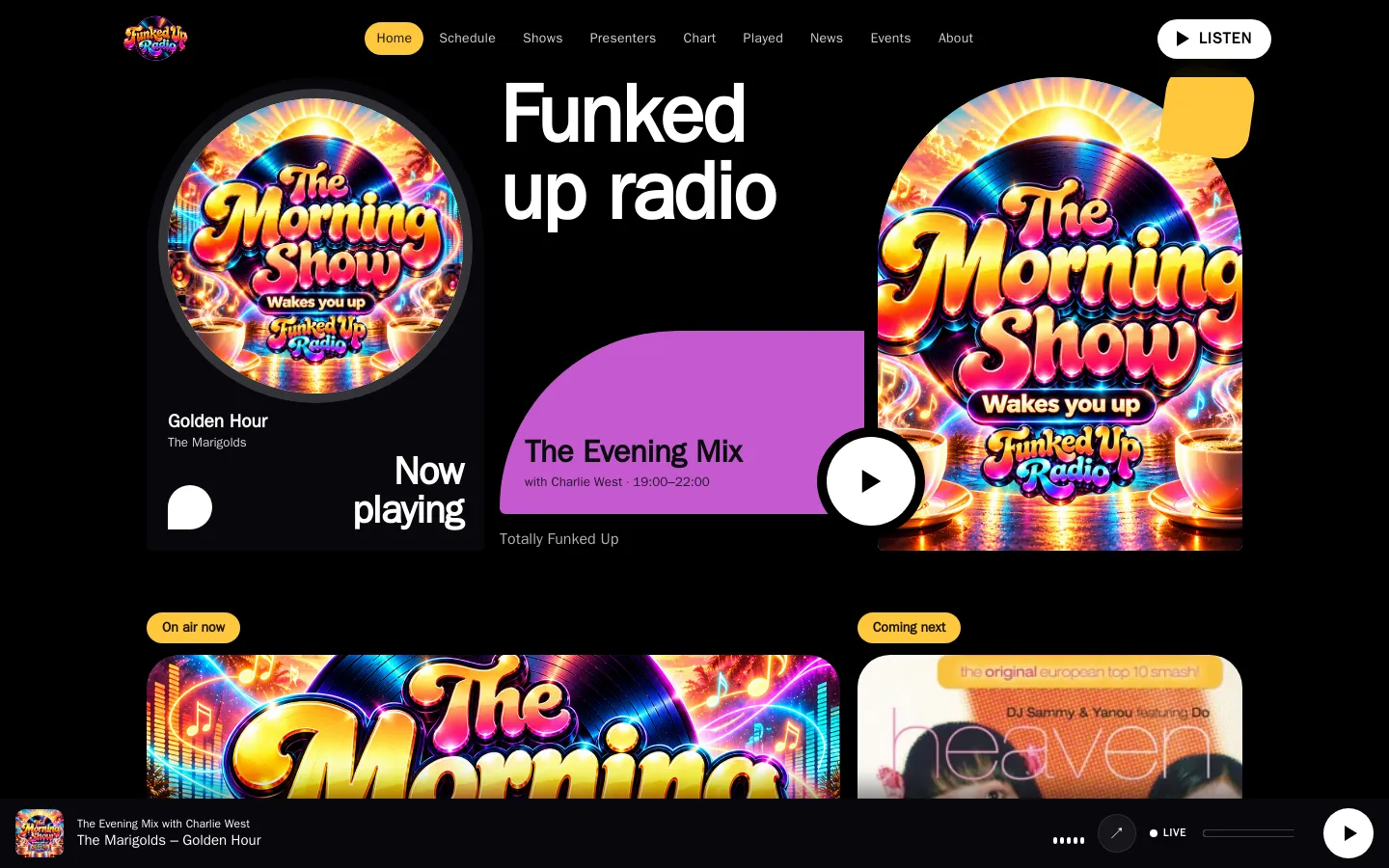
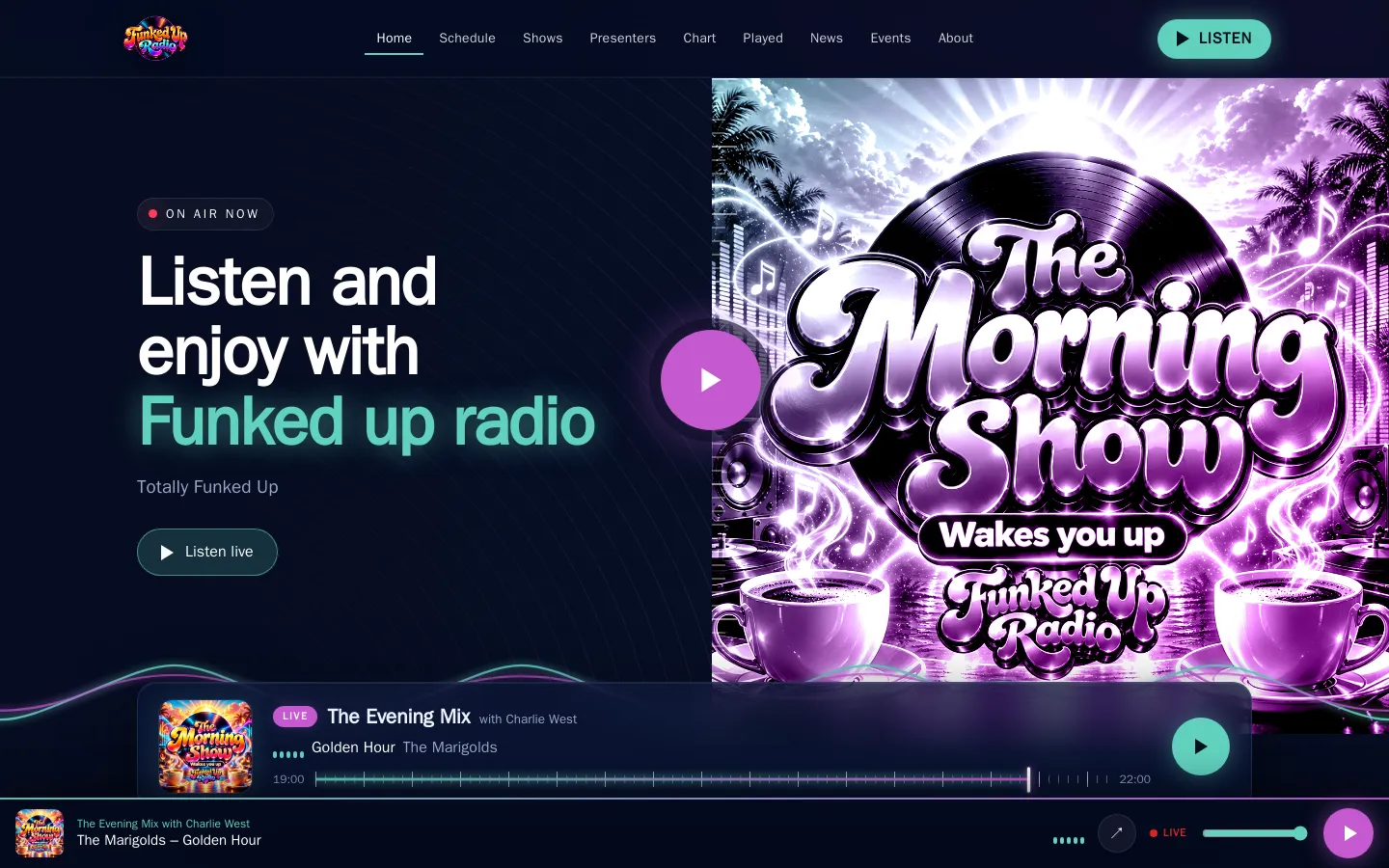
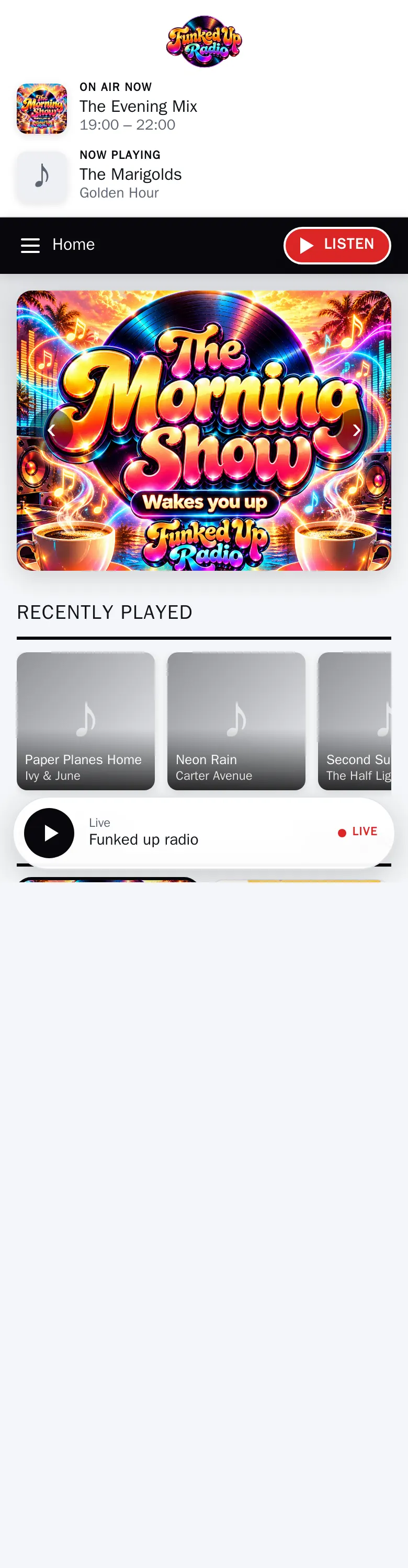



New · home page layout
Arrange the home page yourself
The blocks on your home page – schedule, news, chart, presenters, weather and the rest – are yours to order. In the console, open Website → Look & home page and drag them where you want them.
- Drag and drop, or use the arrows on a phone.
- Two columns on Classic: move blocks between the main part and the side column.
- Hide a block from the home page without switching it off anywhere else – the news page, chart page and the like stay as they are.
- Each template remembers its own order, so trying another look never loses your work – and "Back to the usual order" undoes it all.
- Blocks with nothing to show – no events yet, no news – stay off the page by themselves.
Home page layoutPulse
- ⋮⋮ Coming up ▲ ▼Hide
- ⋮⋮ Recently played ▲ ▼Hide
- ⋮⋮ Chart ▲ ▼Hide
- ⋮⋮ Presenters ▲ ▼Hide
- ⋮⋮ News ▲ ▼Hide
- ⋮⋮ Events ▲ ▼Show
Changes show on your website about a minute after you save.